In August 2026 the developers of a grocery delivery app wired in the AppsFlyer SDK in two days and reported back: first_purchase and purchase are being sent, amounts in tenge. A week later the marketer reconciles AppsFlyer with the order system and finds three discrepancies. The MMP shows more first orders than there are new customers in the database. Orders paid to the courier are missing from the MMP entirely. And one 9,000 ₸ order is recorded twice (the order numbers and amounts in this lesson are made up). The SDK worked without a hitch the whole time. What broke were agreements nobody had written down: when to send the event, how the app knows an order is the first one, and what to do with a payment that arrives three hours after checkout.
What the SDK does and what it doesn't know
An MMP SDK is a library the developer builds into the app. It sends the first launch, sessions and the advertising ID by itself, but a business event only when the app calls its method. When to call it, the library has no idea: it sees neither the payment gateway, nor the customer's history, nor the courier app. The backend knows all of that.
So an event about money is described starting from the fact in the order system, and the SDK is just one way to deliver it. The SDK itself, the keys and the MMP's links to ad networks are set up following the steps in MMPs in practice. This one is about what to send and how to sign off the work.
Whoever ships the app answers for the third-party library. Apple asks you to declare in App Store Connect all data the app collects, including data collected by third-party SDKs, and states plainly that developers are responsible for all code in their apps (Apple's rules on user data). If the app shows the ATT prompt, the SDK is set to wait for the answer. Names, phone numbers and delivery addresses stay out of event parameters: the MMP needs the order number and the amount, not the person.
One payment, one event
The service has two ways to pay. By card in the app: the bank confirms the payment within seconds while the person is still looking at the screen. And to the courier on delivery: the order becomes paid when the courier closes it in their app, a few hours after checkout. A purchase is a paid order, and every such order sends exactly one event:
first_purchaseif this is the customer's first paid order;purchasefor every order after that.
The backend decides which order is the first from the customer's history; the app does not decide from a flag of its own. That flag lives in the phone's storage and disappears on reinstall, and a customer may have a second phone. That is how the extra first orders piled up in the example: a regular customer reinstalled the app, and her tenth order went out as first_purchase.
AppsFlyer counts as revenue only the af_revenue parameter, and only as a plain number with no spaces, commas or currency sign (revenue in AppsFlyer events). The currency goes in af_currency as KZT; otherwise AppsFlyer takes the amount to be in dollars. af_revenue goes only into events that actually are money: put it into both "placed an order" and purchase, and one order's revenue is counted twice. A cancellation after payment can be sent to AppsFlyer as a negative amount. In Adjust you first create the event in the interface and get a token, then pass the amount with the setRevenue method and the currency KZT (events in the Adjust SDK).
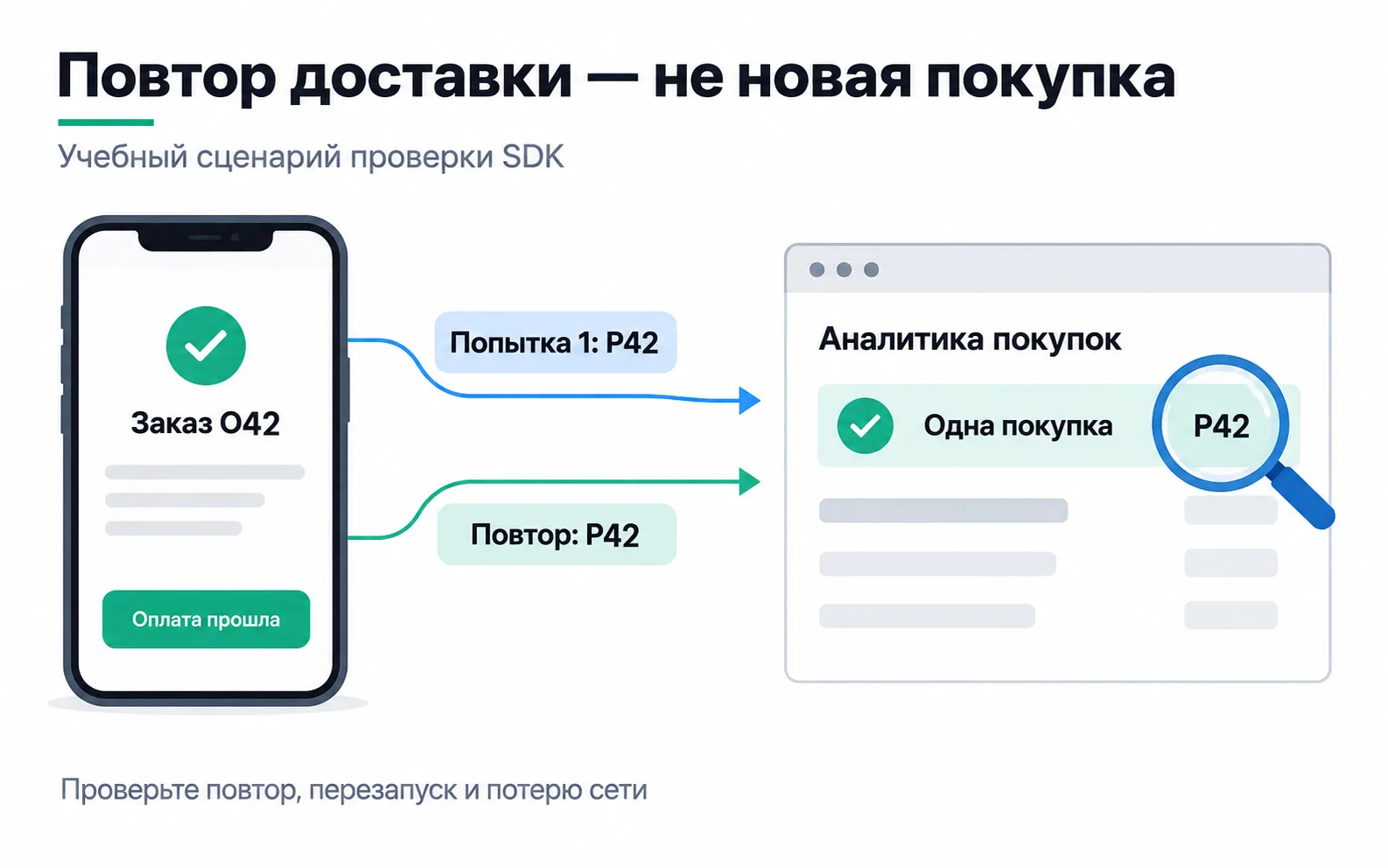
The double 9,000 ₸ order came about differently. The event fired whenever the "Order paid" screen was shown, and a minute later the customer opened that screen again from her order history. AppsFlyer itself drops only an identical event that arrives within 10 seconds, and identical means the same event name, value, app and AppsFlyer ID (how AppsFlyer removes duplicates). Anything later is the app's job: the event is sent on the server's payment confirmation and once per order number, not every time the screen appears. Adjust has setDeduplicationId for this, and by default the SDK remembers the last 10 such IDs.
The connection can also drop at the moment of sending. The AppsFlyer SDK keeps up to 40 events in a queue and sends them one by one when the connection comes back; anything beyond that is lost. For an app where a purchase happens once every few days that is plenty, but it is one more reason to count money from the backend, not from the MMP.
The event card for developers
The developer gets not a one-liner saying "add a purchase" but a card, as in the dataLayer specification: what the event means, when it is sent and when it is not, which parameters it carries and where to see it. Here one event has two delivery paths, so the card has two columns.
| Field | Card payment in the app | Payment to the courier |
|---|---|---|
| Event | first_purchase or purchase by the first-order flag in the server's response | first_purchase or purchase by the customer's history in the database |
| Who sends it | The SDK in the app | The backend, with an S2S request to AppsFlyer |
| When | The server confirmed the payment and the app got the response | The courier closed the order as paid |
| When not | Tapping "Place order", a bank decline, the "Order paid" screen shown again | A cancellation, an order refused at the door, a rerun of the sending job |
| Parameters | af_revenue = order total as a number, af_currency = KZT, af_order_id = order number | eventValue with af_revenue and af_order_id, eventCurrency = KZT |
| Device | The SDK knows it | appsflyer_id, the GAID in advertising_id (on an iPhone, idfa, the ATT status in att and idfv) and the OS version, stored on the server in advance |
| Time | The moment of sending | eventTime = payment time in UTC |
| Retry | One event per order number; AppsFlyer drops a duplicate within 10 seconds itself | AppsFlyer does not merge S2S events: the order has a "sent" flag, and a retry happens only after an error |
| Where to check | Live Events on the test phone | Live Events, if the request carries the test phone's GAID or IDFA |
| Owner | Mobile developer; the analyst checks | Backend developer; the analyst checks |
af_order_id does not remove duplicates; AppsFlyer merges nothing by it. What it does is let you find an order from the MMP's raw data export in the order system, so the reconciliation goes by order numbers rather than daily totals.
Orders paid to the courier: an event from the server
The courier closes the order three hours after checkout. By then the customer's app has long been closed, and the SDK has nothing to send. So the backend sends this purchase through the AppsFlyer S2S API: a POST request to https://api3.appsflyer.com/inappevent/<app_id> with the S2S key in the authentication header. S2S is sent only for courier payments: if the backend also sent card orders, they would be doubled, and AppsFlyer does not merge S2S events. AppsFlyer is retiring the old api2 address and the dev key for this, so don't copy them from older guides. The request body for order 2041 for 9,000 ₸, placed from an Android phone:
appsflyer_idis mandatory. The app gets it from the SDK withgetAppsFlyerUIDand sends it to the server when the person signs in, and the backend stores it in the customer record. If this isn't done in advance, the server event has nothing to attach to.advertising_idis the phone's GAID. AppsFlyer warns that without it, postbacks to SRNs may be skipped: the order reaches the MMP but not Meta or Google Ads (S2S API fields). On an iPhone you sendidfaand the ATT status inattinstead, plusidfvandipfor Meta's Aggregated Event Measurement: AppsFlyer won't fill inidfvitself. The IDFA can be empty, for example when the person declined tracking.eventValueis a string with JSON inside it and escaped quotes. Send an object there and AppsFlyer will not record the revenue.eventTimeis the payment time in UTC: the courier closed the order at 14:05 Almaty time, which is 09:05 UTC. AppsFlyer keeps this time if the event arrives the same day or the next day before 02:00 UTC; after that it records the time the request arrived.osis the phone's OS version, here Android 14. AppsFlyer requires it on every platform, and on iOS an event without it is treated as coming from iOS 14.5, which affects what raw data is available for it.
AppsFlyer does not merge server events at all. If the sending job crashed after a successful request and restarted, the purchase gets doubled, so the order in the database gets a "sent" flag, and the request is retried only when AppsFlyer responded with an error.
Using appsflyer_id, AppsFlyer finds the install and attaches the purchase to it. An order paid to the courier gets the same campaign as the install, and an order from an organic user stays organic. That is how the MMP gained the orders that were missing at the start of the lesson.
In Adjust the server event goes to https://s2s.adjust.com/event with s2s=1, the app and event tokens, the device's adid, the amount and the currency. Adjust rejects events older than 58 days, and the environment parameter defaults to production, so test requests are marked sandbox (Adjust S2S API). How the same flow works at a bank, where money appears in the core system days later, is described in the article on AppsFlyer, Adjust and Firebase.
Testing on one phone
The developers' work is signed off on one phone, in AppsFlyer's SDK Integration Tests page. In its Live Events section, events from the test device appear right away, with their parameters.
- Build a test version with SDK logs on:
isDebugin AppsFlyer, thesandboxenvironment in Adjust. Before release the logs are switched off and Adjust is moved toproduction. - Register the phone as a test device: through the My Device ID by AppsFlyer app, or manually by GAID or IDFA under Settings → Test Devices. Without registration AppsFlyer records only the first install and treats repeat installs within 90 days as reinstalls rather than new ones. On an iPhone, allow the test app to track: the test page works only when the SDK has an ID.
- Delete the app, open Settings → SDK Integration Tests → Live Events, choose the app and the phone, click Continue, then install the app and launch it.
- Pay by card for a first order of 9,000 ₸. Live Events should show
first_purchasewithaf_revenue9000,af_currencyKZT and the order number. - Open that order from the history and restart the app. No new event should appear.
- Pay for a second order:
purchasearrives. - Reinstall the app and pay for a third order. Again it should be
purchase, notfirst_purchase. - Place an order with payment to the courier and ask the backend to close it as paid. The event appears in Live Events if the request carries the test phone's GAID or IDFA.
In Adjust the same is done in the Testing Console: you enter the phone's advertising ID to see its install and events, and the Forget device button wipes the device so you can run the test again.
A fix in the SDK reaches people only with a new app version, and until they update, old versions keep sending events the old way. So after release, first orders in the MMP are reconciled with new customers in the database separately by platform and app version, not as one overall number.
Exercise: a card for your own app
Take the app you work on, or the delivery service from this lesson, and prepare one page for the developers.
Start the review with the "When" row. If it says "on the success screen", go back to who learns about the payment first: the success screen also appears after a bank decline and when the order is opened from history. For the delivery service it is the server that receives the confirmation from the bank or from the courier app, and both columns of the card depend on that.
Then look at the "Device" row in the S2S column. If it's unclear where the server will get the appsflyer_id, the server event will have nothing to attach to, and the S2S path will have to wait for an app version that starts sending this ID. The test is ready when it includes the success screen shown again, a reinstall and, if there is an S2S path, an order confirmed while the app is closed. Those three steps catch all three discrepancies from the start of the lesson.
Video: what an SDK is
A short explanation of the term, in English.