Four weeks after the course page of the same IELTS centre got into the index, the marketer filters the Performance report in Search Console by its address. For "IELTS courses Almaty" there are 420 impressions, 3 clicks and an average position of 27, which is the third page of results. In search the page is called "Programmes": that's its title, filled in by the site template, and nobody ever changed it.
The page is in search now; the question is whether it answers the query better than the ones ranked above it. That's what on-page SEO deals with: everything on the page itself, from the title and description to the text, images and links.
What a person searching this query wants
"IELTS courses Almaty" is typed by someone who has already decided to prepare with a teacher and is choosing where. You read intent from the words of the query just as in advertising: "courses" plus a city means "show me the options, I'll compare". They'll compare the same things they ask the manager about on WhatsApp before the first payment: how much it costs, when the classes are, whether the course fits their exam and whether they can try it first.
The second source is the results page itself. The marketer opened it in incognito mode from Almaty: the top ten has course pages with "IELTS courses" and the city in the heading and the price and timetable visible without scrolling, plus the 2GIS directory. Against that background the centre's page answers a different question. Its text was written from the centre's positioning: a preparation plan built from the exam date and speaking feedback. For someone who has already chosen the centre, that's good text. Someone comparing options is looking for the price.
| What the person wants to know | Where it is on the page now | What changes |
|---|---|---|
| Is this a course in Almaty? | "Almaty" only in the address in the footer | The city goes into the title and the first paragraph |
| How much it costs | A table at the very bottom, after the reviews | 45,000 ₸ a month, a three-month course, on the first screen |
| When the classes are | Same place, in the table | Group timetable next to the price |
| Which exam it's for | Academic only in the H1, not a word about General Training | "We prepare for IELTS Academic; we don't run General Training for now" |
| Can I try it | A "Sign up" button with no explanation | "Free trial lesson: a level test and feedback on your speaking" |
| What the plan looks like | A PDF linked at the bottom | The plan as text on the page |
Nothing from the positioning gets thrown out. The plan built from the exam date and the speaking feedback remain the centre's main difference; they simply come after the answer to the question the person arrived with.
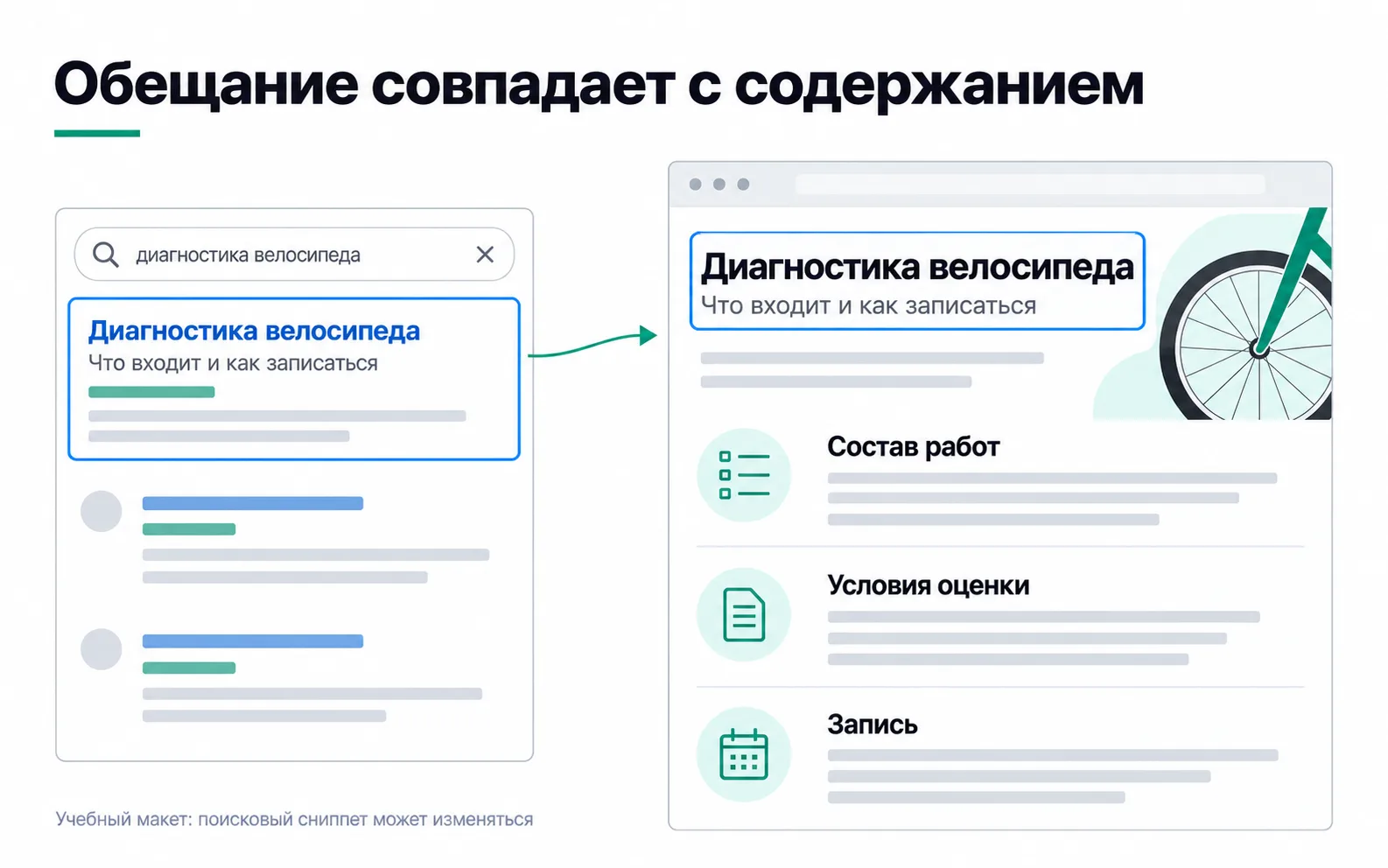
The picture shows the same principle in another niche.
The title and the H1
The title is the text in the <title> tag, the one you see on the browser tab. Google builds the result heading itself: the title link is generated automatically from the title, the main visible heading, heading tags such as the H1, the text of links to the page and other sources. Google advises making each page's title unique, descriptive and concise, without lists of keywords, and keeping the brand name short. There's no length limit on the title, but in results it gets cut to fit the screen width, so the important part goes first.
The H1 is the main heading on the page itself. It doesn't have to match the title word for word, but both should say the same thing. The centre's H1 comes from its positioning, "IELTS Academic preparation with a plan built from your exam date", and it stays. The title and description became these:
In English that reads roughly as "IELTS Academic courses in Almaty: preparation with a plan built from your exam date" and "IELTS Academic preparation for students applying abroad: a plan from your exam date, speaking feedback, 45,000 ₸ a month. Free trial lesson with a level test." The title is written in the words of the query, the H1 in the centre's promise, and both are about the same thing. A version like "IELTS courses Almaty | IELTS Almaty | Cheap IELTS preparation Almaty" is worse on every count: according to the same help page, repeated keywords can make a result look spammy, and the centre can't promise "cheap" at 45,000 ₸ a month against the language school's 35,000 ₸.
The description and the snippet
Google mainly takes the text under a result's heading from the page content and uses the meta description when it describes the page more accurately. There's no length limit; the snippet is cut to the screen width. Each page gets its own description, without a list of keywords.
That gives two rules. The description promises only what's on the page: the price is in it because it's now on the first screen. And the first paragraph of the page is written so it could be shown instead of the description: "We prepare students applying to universities abroad for IELTS Academic. The course runs three months at 45,000 ₸ a month, with classes in Almaty. The first lesson is free: a level test and feedback on your speaking answer."
There's no score promise in the description. The centre doesn't offer one, and answering a rival's "7.0 Guarantee" with a guarantee of its own would mean promising something the centre doesn't control.
The page text
The page is split into sections, and each heading says what's in it: "Who the course is for", "Price and timetable", "How the trial lesson works", "Sample preparation plan", "Teachers", "How to sign up". Someone on a phone scrolls to their question without reading the rest. Google says there's no ideal number of headings and that using heading levels out of order doesn't bother it (Google's starter guide), so headings are there for the reader, not to follow a scheme.
There's no right text length either. In Google's guidance on helpful content, the question of whether Google has a preferred word count gets a one-word answer: no. The same page has a question that works well for checking the course page: will someone learn enough from it to do what they came for? Here that means deciding whether to come to the trial lesson without messaging the manager.
The preparation plan moves from a PDF into text on the page. On a phone a PDF opens as a separate file, while a plan in text can be read without leaving the page.
Images and alt text
Google understands an image from its alt text, the image itself and the page text around it. Alt text is written as a caption for someone who can't see the image: "A teacher going over a student's speaking answer", not "ielts courses almaty ielts". Google advises against stuffing alt text with keywords. The file gets a short, clear name: ielts-speaking-razbor.jpg instead of IMG_4031.jpg.
A purely decorative image, such as a header background, gets an empty alt, and a diagram is explained in the text next to it (W3C alt decision tree). The 3 MB classroom photo that was slowing the page down has been compressed by now.
Links to the course page
A page nobody links to gets lost, for people and for the crawler alike. Google advises that every important page should have a link from at least one other page on the site, with descriptive and concise link text rather than "click here" (links Google can crawl). The link must be an ordinary <a> element with an address: the crawler may not pick up a script-driven jump with no href.
The centre makes three changes. The "Programmes" menu item becomes "IELTS Academic course". The article "IELTS Academic or General Training", which already brings in leads, gets a link with the text "IELTS Academic preparation course" at the point where the reader decides which exam to take. And on the home page the course block now leads to the course page rather than to the form.
Markup: what stopped working
Structured data describes a page in machine-readable form, and Google used it to show rich results. There are fewer of those now. Google retired the Course info rich result in 2025, and FAQ results stopped appearing on 7 May 2026 (documentation change log). Course or FAQ markup on the centre's page won't get a rich result in Google any more. Among the education types, Google's gallery still has Course list, but that's a carousel of courses from one provider, and it needs at least three courses marked up, while the centre has one course.
If the developer suggests markup, the rules are the same as for any type. Markup describes what's visible on the page: reviews, ratings or prices that aren't in the text can't go into it, and even correct markup doesn't oblige Google to show a rich result. For misleading markup Google can take manual action, and the page loses eligibility for rich results.
When the query is informational
Everything above is about a page that sells. When someone is looking for an explanation, the page is different. On your future freelance site you might end up with an article for "how to calculate CAC" that has three paragraphs about your agency and a contact form. The person came for a calculation and didn't get one. Repeating "how to calculate CAC" in every paragraph won't fix that, and swapping the text for a form even less so.
An article like that needs a formula, a breakdown of costs, an example and the limits. The formula: acquisition costs divided by the number of new paying customers. The costs: ads only, or creatives and the marketer's hours as well, with the text saying which of the two CACs it calculates. An example with figures by channel. And the limits: you can't calculate CAC for a week if customers pay a month later, and an average CAC blends channels together. That's exactly how CAC is handled in unit economics. A link to your services fits at the end, once the reader has done the calculation and can see where they need help.
How to tell whether the changes worked
Four weeks after the changes, the centre's marketer will compare four weeks before and after: in the Performance report, a filter by page and by the query "IELTS courses Almaty", with impressions, clicks, CTR and average position. In the first weeks after indexing a new page's positions still swing, and the university application season moves demand, so growth could have come without the changes. It gets compared with the trend for the whole group of IELTS queries across the site, without the course page: if that trend is the same, the changes are probably not the reason. Search leads from the course page are counted in the GA4 Landing page report, but a month will bring only a handful, so conclusions from them wait until the end of the quarter.
Exercise: one selling page
Take a service, course or product page from your own project that is already in the index.
Customer questions matter most: if the answer to one of them exists only with the manager on WhatsApp, the person leaves the page to go and ask it, and not always you, so those answers move to the first screen before any title edits. In the title itself the query appears once, and "cheap", "best" or "guaranteed" stay only if the page backs them up. The before figures give you something to compare with in a month; without them the conversation with the client comes down to "it got better".
Video: on-page optimisation
An overview of every element on the page in a single pass.