An online appliance store in Almaty has been running server-side GTM for six months. On ordinary days nobody notices the server, and the monthly limit is far away. On Friday at 8 pm the store launches a sale with a WhatsApp broadcast, and the owner asks whether the server will hold up. The monthly limit does not answer that. The answer depends on how many requests arrive in the first minute and what the host does when there are more than it is ready to take. The numbers in this lesson are made up.
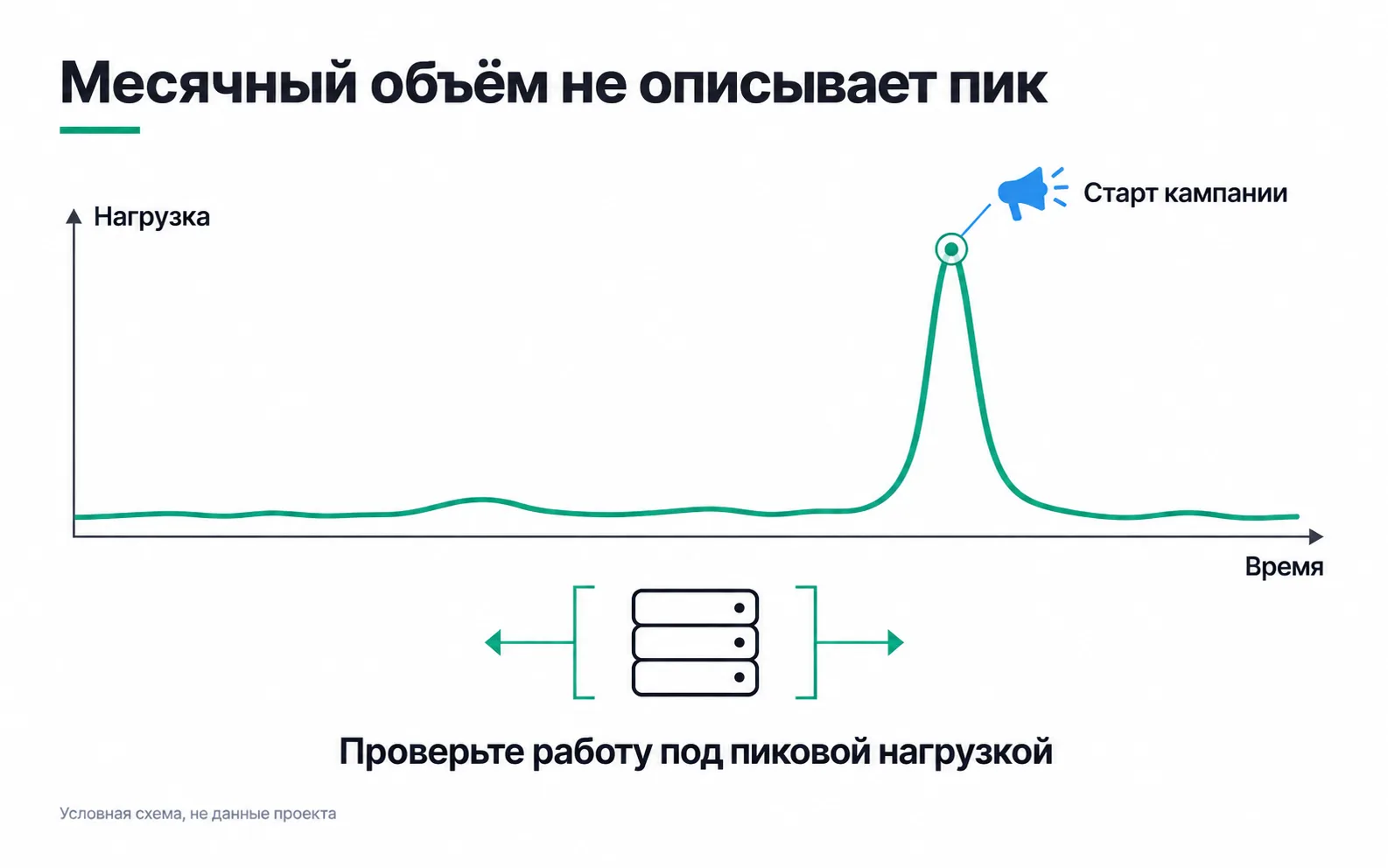
Turn the peak into requests per second
Monthly volume is what you use to pick a plan; server capacity is counted in requests per second. Visits are turned into requests with the calculation from sGTM infrastructure. What matters here is the next step: finding the busiest minute.
The store ran last year's sale before it had a server, but the GA4 export to BigQuery kept the time of every event. Group the events by minute and add 30%, as Stape suggests for a rough request estimate, and you see that about 6,000 requests came in during the first minute after the broadcast. That averages 100 a second. But people do not open the link evenly. If all 6,000 arrived in the first ten seconds, the load over that stretch reaches 600 a second. Same total for the minute, six times the load.
Google gives a benchmark for Cloud Run: 2 to 10 instances handle 35 to 350 requests per second, and Google itself notes that the figure depends on how many tags run and what they do (Cloud Run guide). By that estimate, 100 requests a second needs three or four instances, while 600 a second would not fit into ten. For your own container you get the real figure from a load test, covered at the end of the lesson.
What the host does when requests exceed what it can take
This is where the options differ most.
Cloud Run. Instances are added as load grows, but no more than --max-instances allows. When there are not enough instances, Cloud Run returns a 429 error saying "no available instance". Google names three causes: a sudden rise in traffic, a long container startup time and long request processing (Cloud Run troubleshooting). The container never processed that request, so the recipients will never see the events in it.
That is why --min-instances is raised ahead of time, before the broadcast: new instances need time to start, and the peak lasts seconds. --max-instances is set with headroom above the estimated peak. It is your worst case for spend, and Cloud Run will not start extra instances on its own. Google is not consistent about how many instances to keep running: the Cloud Run guide says at least two, the server-side tagging overview at least three. The same overview says that a server created by automatic provisioning has limited resources and is meant only for testing small amounts of traffic.
Stape. The plan limits requests per month, and what happens when you go over the limit is described together with the sGTM infrastructure. Stape's limits page says nothing about a per-second limit, so before the sale ask support what peak your plan can handle, and keep their answer.
AWS and your own server. Here scaling is set up on the client's side. In the architecture AWS publishes for sGTM, the tagging server and a separate preview service run on Amazon ECS behind an Application Load Balancer, with Route 53 handling the addresses (sGTM on AWS). How many copies of the server to run and when to add more is the admin's call. Google recommends servers with at most 1 vCPU, provisioned as a cluster (manual setup guide), so you cover a peak with more machines, not a bigger one. A single VPS does not scale at all: the peak hits the limit of its CPU.
A spend cap in Google Cloud. If one is set, on sale day the bill reaches it faster than usual, and Cloud Run is paused. Budgets and the spending cap are set up following the same sGTM infrastructure lesson.
Compare GCP, AWS and Stape on your own task
| Google Cloud Run | AWS | Stape | |
|---|---|---|---|
| Where the server comes from | GTM creates it automatically, and for production traffic you add instances following Google's guide | You deploy the image on ECS following the AWS architecture | You paste the container config string into the Stape dashboard |
| How you prepare for a peak | --min-instances and --max-instances | Service scaling in ECS | The plan and automatic upgrade to the next tier |
| Logs and metrics | Cloud Logging, every request by default | Metrics in CloudWatch | Incoming and outgoing request logs in the Stape dashboard |
| Who runs the server | You or the client's admin | A client admin who knows AWS | Stape, while you run the container |
Pick the option the client's team can keep running after you finish the project. If the client already has an admin who works with AWS, deploying there is easier to follow than a new Google Cloud account. If there is no admin, Stape takes the server off your hands. Either way, the event schema and delivery stay with whoever sets up the tracking: the host does not know that purchase should fire after payment.
Costs that are not on the pricing page
Prices are collected in the article on what server-side GTM really costs. The lines of the estimate that are easy to miss (logs, the preview server, outbound traffic, a budget with no cap) are listed in the estimate from sGTM infrastructure. A sale adds two more.
Stape logs. They exist only on paid plans and are kept for different periods: the last three days on Pro and Pro+, ten days on Business and above, and log export is available from Enterprise (Stape logs). If a Friday failure is investigated a week later, on Pro the Friday logs will be gone. Either investigate over the weekend, or decide in advance whether the sale month needs a plan with longer retention.
The peak month. A --min-instances raised for sale day costs money until you lower it again. So you need two estimates: an ordinary month and the month with the sale.
A live server does not mean events arrive
The /healthy check only tells you the server is answering. It is set up together with the sGTM infrastructure; what matters here is what it will not show.
On Friday between 8 and 9 pm the store took 120 orders worth 5,760,000 ₸, at an average of 48,000 ₸. GA4 shows 96 purchases for that hour, and /healthy answered ok all evening. The 24-order gap is 1,152,000 ₸ of revenue missing from the GA4 reports. But first compare it with ordinary days. GA4 never sees some purchases: some buyers decline analytics cookies, some run blockers. A week without sales, when the server was clearly coping, shows how many: an ordinary hour has too few orders to measure a share. If GA4 is short by one order in five even then, 24 out of 120 is the usual gap, and only what goes beyond it points at the server.
If the gap is above the usual one, look at whether the server had enough instances. Cloud Run's request count metric will not help here: it leaves out requests rejected because the instance limit was reached (Cloud Run metrics). For the 429 error, Google recommends looking at the Container instance count metric on the service's Metrics tab: if it was pinned at --max-instances during the sale hour, the server turned some requests away.
So delivery is monitored separately from whether the server is alive: the recipients' response codes in the outgoing request logs, and an hourly reconciliation of CRM orders against purchases in GA4 and the ad accounts. That kind of control follows the rules of S2S monitoring.
Rehearse before the sale
A week before a big campaign, go through this list:
Exercise: a note to the owner before a campaign
Take your own project or a client with a server container, and the next campaign that will bring a traffic spike. Write the owner one page: the peak you expect in requests per second and where that figure comes from, what the server runs on and what it will do if the peak is higher, how much the campaign month will cost compared with an ordinary one, who is on duty on launch day, and how you will know that purchases are getting through.
A good note rests on numbers: the peak is worked out from past data, Google's benchmark or the provider's support answer sits next to it, and the overload section names an outcome, such as 429 responses on Cloud Run or a pause at Stape. If the capacity section fits into the single line "the plan covers 2 million requests a month", go back to the first section of this lesson. 2 million a month averages 46 requests a minute, and that number says nothing about Friday at 8 pm. The same goes for the last section: "we keep an eye on the server" is not an answer, while "every hour we reconcile CRM orders with GA4 purchases, the usual gap is 20%, Aigerim is responsible" is.
Video: an example of managed hosting
The video is in English, from Stape itself: how to create a server container and host it with them.